Smart Home Privacy Basics for Beginners
Enjoy a smart home without giving away more than you mean to. Practical privacy and security basics for beginners — passwords, updates, cameras, and settings.
 Felix Braun
New here?
New to Duoryx? These are the guides we'd hand a friend who's just getting started — a clear, practical place to begin.
Basics
Start a smart home without the confusion — how the pieces fit, which ecosystem to pick, and what's actually worth automating.
Enjoy a smart home without giving away more than you mean to. Practical privacy and security basics for beginners — passwords, updates, cameras, and settings.
Felix Braun

Matter and Thread explained in plain English — what these smart home standards actually do, why they matter for beginners, and how to shop with them in mind.
Felix Braun
A realistic look at smart home costs for beginners — starter budgets, the hidden extras like subscriptions, and how to build a useful setup without overspending.
 Rosa Mendes

Not everything needs to be automatic. A practical guide to the first smart home automations that genuinely save time — and the ones better left as manual.
Rosa Mendes
Devices
Choose devices that earn their place — lights, plugs, speakers, cameras, and sensors, with honest pros and cons.
What a smart home hub actually does, when Wi-Fi devices are enough, and the reliability, range, and privacy reasons a hub starts to earn its place.
Felix Braun
A beginner's guide to smart home sensors: how motion, door, temperature, and leak sensors work, where to place them, and the automations they unlock.
Rosa Mendes
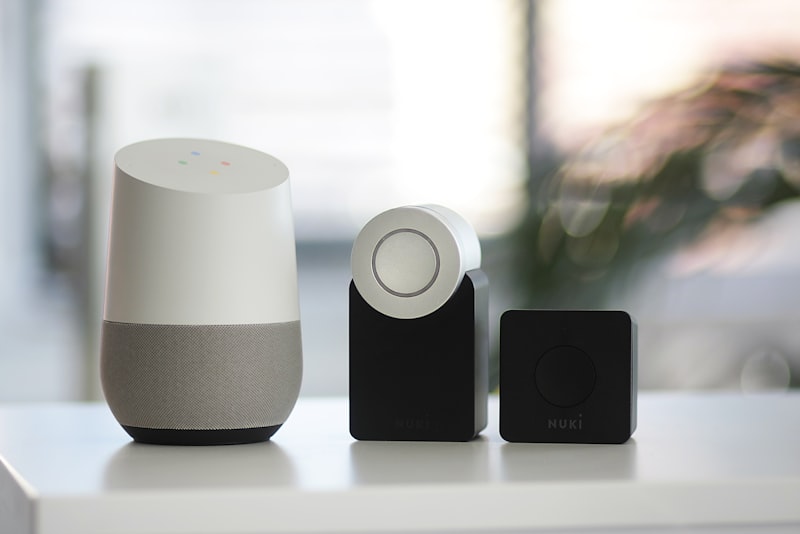
A calm, practical guide to smart home cameras: indoor versus outdoor, local versus cloud storage, subscription costs, and the privacy basics that matter.
Felix Braun
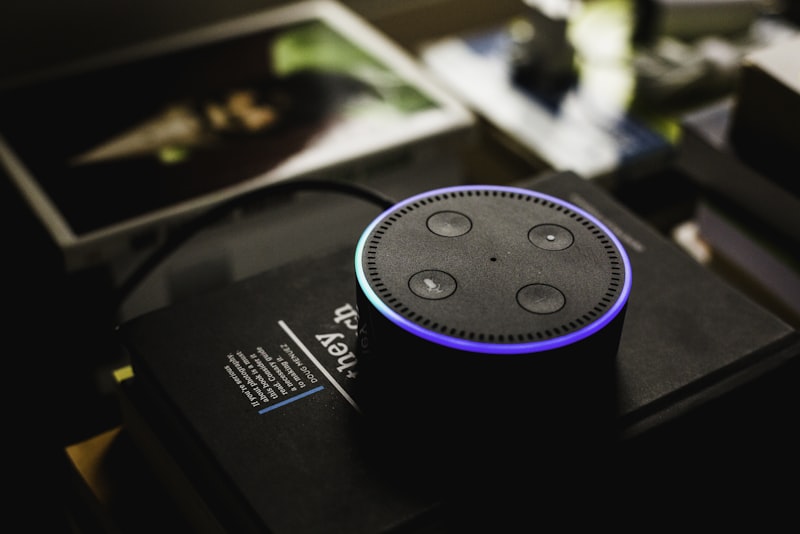
Pick the right smart speaker: how ecosystem, sound quality, size, and microphone privacy controls shape which voice assistant belongs in each room.
 Kai Nakamura
Automation
Make your home do the boring stuff — simple, reliable routines and automations that genuinely save time.
Automations that fire late, twice, or not at all usually share a few root causes. A practical guide to diagnosing and fixing unreliable smart home routines.
Felix Braun
Motion sensors are the cheapest way to make a home feel automatic. Learn where to place them, how to set timeouts, and how to avoid false triggers.
Rosa Mendes
Move beyond flipping smart bulbs from an app. Learn to automate lighting with triggers, conditions, and warm color shifts that feel natural, not gimmicky.
Rosa Mendes

Turn the scramble of leaving the house into a single routine that locks up, kills the lights, and sets the thermostat back — by tap or automatically.
Felix Braun
Wi-Fi
Keep it all running — better Wi-Fi coverage, a stable network, and smart-home privacy and security basics.
Smart cameras are useful and safe to run when set up well. Here are practical, non-alarmist steps to keep your home cameras private and firmly under your control.
Felix Braun
Smart devices collect data, but a few sensible habits keep your privacy solid. Here are practical, non-alarmist steps that make a real difference at home.
Kai Nakamura
Your router broadcasts two Wi-Fi bands, and smart devices are picky about which they use. Here is what 2.4GHz and 5GHz mean and how to use each one well.
Felix Braun

Smart plugs and sensors that fall offline are maddening. Here are the real reasons devices keep dropping Wi-Fi and the practical fixes that make them stick.
Rosa Mendes