Inviting smart devices into your home means inviting microphones, cameras, and sensors that quietly learn your patterns. That's not a reason to avoid a smart home — it's a reason to set it up with a little care. Handled sensibly, the privacy side is manageable, and the habits involved are the same common-sense ones you'd apply to online banking.
I explain this stuff without fearmongering, because fear leads people either to give up on useful technology or to freeze in confusion. Neither helps. The reality is that a handful of straightforward steps cover most of the risk, and once they're in place you can enjoy your home without a nagging worry in the back of your mind.
Start with your accounts and passwords#
Most smart home privacy problems don't begin with the device — they begin with a weak or reused password on the account that controls it. If someone can get into your account, they can potentially reach whatever that account touches, cameras and locks included. So this is where your attention pays off most.
- Use a strong, unique password for every smart home account, not a variation of the one you use everywhere.
- Turn on two-factor authentication (2FA) wherever it's offered, especially for anything with a camera or a lock. It's the single most effective step you can take.
- Use a password manager so unique passwords are easy to keep rather than a memory test.
- Change default passwords on any device or router that ships with one, since those defaults are widely known.
None of this is glamorous, and all of it is boring in the best possible way. Strong passwords and 2FA quietly close off the routes that cause the vast majority of real trouble. If you do nothing else on this list, do these.
Treat the password on anything with a camera or a lock the way you'd treat your bank login. That one mental shift puts you ahead of most smart home owners, and it costs you nothing but a few minutes.
Keep everything updated#
Smart devices run software, and software gets fixes over time — including fixes for security holes. Ignoring updates leaves those holes open, so keeping firmware current is one of the quietest, most effective habits you can build.
Wherever you can, turn on automatic updates so this happens without you thinking about it. For devices that don't update themselves, it's worth a periodic check in the app. This matters more for some categories than others: a camera, a lock, or your router deserves prompt attention, while a humble smart plug is lower stakes.
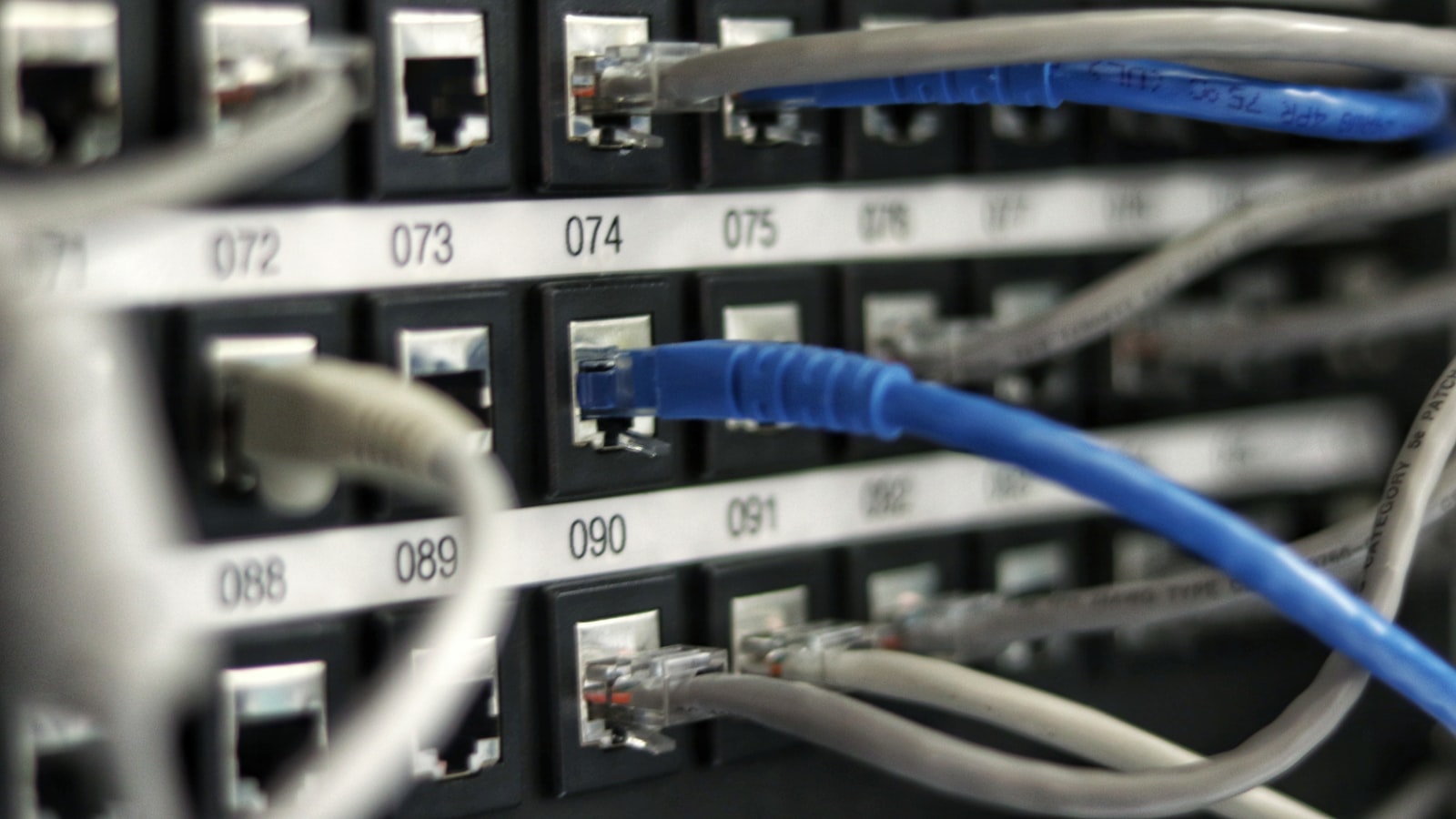
Speaking of the router, don't forget it. Your router is the front door to your whole network, and an outdated one undermines everything behind it. Keep its firmware current and its admin password strong, and you've protected not just your smart home but every device in the house.
Review what each device collects#
Every smart device makes choices about what it gathers and where that information goes, and those defaults aren't always the most private. A few minutes in the settings after setup is time well spent.
- Open the privacy settings of each new device or app and read what's switched on.
- Turn off data sharing you don't need, such as usage analytics or personalised suggestions, where the option exists.
- Review voice recordings if you use a voice assistant — the major ones let you see, delete, and limit how long recordings are kept.
- Check permissions like location and always-on listening, and pare them back to what the device genuinely needs.
You don't have to become a settings obsessive. The goal is simply to know, roughly, what your home is collecting and to switch off anything you're not comfortable with. Doing this once per device, at setup, keeps it from becoming a chore. It's the same instinct that makes choosing your smart home ecosystem worth some thought, since the platforms differ in how they handle your data by default.
Think about placement and the network#
Where you put a device matters as much as how you configure it. Cameras and microphones deserve particular thought. A camera pointed at your front path is useful; one in a bedroom or bathroom rarely is, and the more sensitive the room, the more carefully you should weigh whether a lens belongs there at all. Many cameras also let you disable recording or turn them off entirely when you're home, which is a reasonable habit for indoor models.
On the network side, one worthwhile step is separating your smart gadgets from your main devices. Many home routers let you create a guest network; putting your smart home devices on it keeps them at arm's length from the phones and laptops holding your personal files. It's a modest bit of setup that adds a real layer of separation.
- Point cameras at entrances and shared spaces, not private rooms.
- Use indoor cameras that can be switched off when you're home.
- Consider a separate guest network for smart devices.
- Favour devices that can work over your local network, which can lean less on the cloud.
It's worth having a quiet word with the household about all this too, especially where cameras and voice assistants are concerned. Everyone who lives in or visits your home is part of what those devices capture, and a brief conversation about where cameras point and when microphones are listening keeps the whole thing fair and comfortable. Privacy at home isn't only about keeping strangers out — it's also about respect for the people you share the space with.
That last point connects to the wider trend toward local control, where devices do their job over your home network rather than routing everything through a company's servers. It's not something to obsess over, but where it's offered, it can mean both better privacy and snappier, more reliable performance.
Living with it, calmly#
Privacy in a smart home isn't a wall you build once and forget, nor a source of constant anxiety. It's a light routine: strong passwords, 2FA, updates kept current, a glance at each device's settings, and a bit of thought about where cameras and mics go. Do those, and you've addressed the great majority of what actually matters.
The aim is to enjoy the convenience without signing away more than you intend, and that balance is entirely achievable. If you're still assembling your setup, folding these habits in from the beginning is far easier than retrofitting them later — starting a smart home from scratch is the natural place to build them in from day one. Set the foundations sensibly, keep the routine light, and your smart home can be both genuinely helpful and genuinely yours.