Walk down the smart home aisle, or read a single product box, and you'll trip over words that sound like they need a degree to understand. Hub, gateway, ecosystem, Matter, Thread, Zigbee, automation, routine. It's a lot, and it's a big reason beginners feel shut out of something that should be simple.
Here's the reassuring part: nearly all of this jargon describes a handful of plain ideas. Once you can translate the words, the shop stops being intimidating and the reviews start making sense. This is a glossary you can skim now and come back to whenever a box throws an unfamiliar term at you.
The building blocks#
These are the core words you'll meet within your first hour of shopping. Learn these and most product descriptions become readable.
- Smart device — anything you can control remotely or that responds on its own: a bulb, plug, lock, thermostat, camera, or sensor.
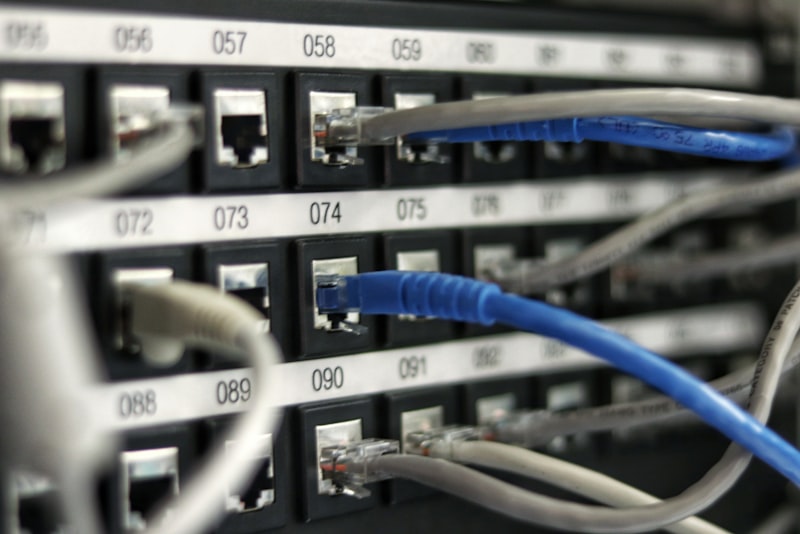
- Hub (or gateway or bridge) — a small box that acts as a translator and relay, letting certain devices talk to your network and to each other. Some systems need one; many modern Wi-Fi devices don't.
- Ecosystem (or platform) — the main system you use to control everything, usually Amazon Alexa, Google Home, or Apple Home. It's the app you open and the assistant you speak to.
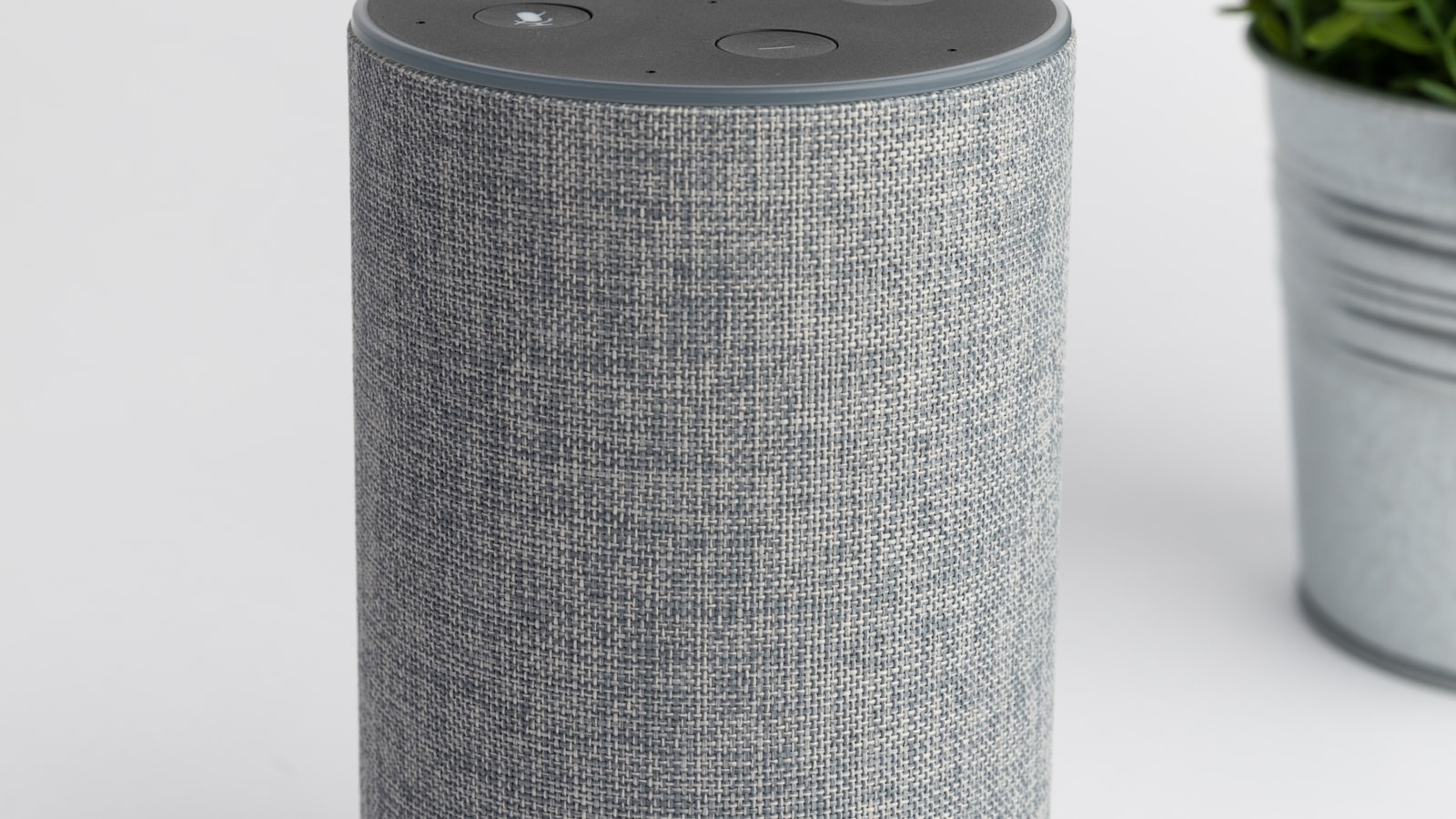
- Voice assistant — the software you talk to (Alexa, Google Assistant, Siri) that lives inside speakers, phones, and displays.
- App — the phone software where you set up devices, group them into rooms, and build rules.
If you only remember one distinction, make it this: a device does the work, a hub connects it, and an ecosystem is where you control it all. Almost everything else hangs off those three ideas.
One point of confusion worth clearing up early: "hub," "gateway," and "bridge" are often used to mean the same thing, and different brands pick different words for it. Don't let the shifting vocabulary throw you — if a product mentions any of the three, it's telling you that some devices need a little translator box to join your home. Whether you actually need one depends on the devices you choose, not on the particular label the box happens to use.
How devices talk to each other#
Smart devices need a way to communicate, and there's more than one. The names sound technical, but the concept is just "which language does this gadget speak?"
- Wi-Fi — the same network your phone and laptop use. Simple and everywhere, but lots of Wi-Fi devices can crowd a home network.
- Bluetooth — short-range, phone-to-device communication, common for setup or for gadgets you control up close.
- Zigbee and Z-Wave — low-power wireless languages built for smart homes. They're reliable and gentle on your Wi-Fi, but they usually need a hub to translate.
- Thread — a newer low-power network where devices help pass messages along to one another, making the whole system sturdier as it grows.
- Matter — not a language for chatting so much as a shared agreement that lets devices from different brands work together across ecosystems.
Think of Wi-Fi, Zigbee, and Thread as different roads, and Matter as a common set of traffic rules everyone finally agreed to follow. You don't need to memorise the engineering — just recognise the names when you see them.
Matter and Thread come up so often now that they deserve their own explanation; if you want the fuller picture, what Matter and Thread mean for beginners walks through them without the acronym soup.
The words for making things happen#
Once devices are set up, the fun is in getting them to act on their own. A cluster of terms covers this.
- Automation — a rule your home follows without being asked, like "turn on the hallway light at sunset."
- Routine — a named bundle of actions, often triggered by one command or moment, such as a "good night" routine that locks the door, turns off the lights, and lowers the thermostat.
- Trigger — the thing that starts an automation: a time, a sensor, your phone arriving home, a button press.
- Scene — a saved combination of settings you can switch on instantly, like "movie night" dimming the lights to a preset level.
- Geofencing — using your phone's location to trigger actions when you leave or arrive home.
These are where a smart home earns its keep, and they're easier to grasp once you've actually got a device or two running. There's no need to build elaborate routines on day one — most people start with a single automation and grow from there.
A quick trick keeps these straight: a trigger is the "when," and the action is the "then." "When the sun sets, turn on the porch light" is simply a trigger and an action stitched together, and that when-then shape underlies almost every automation you'll ever build. Scenes and routines are just tidy bundles of those actions with a name attached, so once the basic pattern clicks, the fancier words stop sounding like a foreign language.
Words about your network and safety#
A smart home lives on your network, so a few networking and security terms are worth knowing too. They tend to appear exactly when something isn't working.
- Router — the box that provides your Wi-Fi and connects your home to the internet.
- Mesh Wi-Fi — a system of several units that blanket a home in signal, useful when devices sit far from a single router.
- Firmware — the software running inside a device; keeping it updated fixes bugs and closes security holes.
- Two-factor authentication (2FA) — a second step, beyond a password, that protects your accounts. Well worth turning on for anything with a camera or a lock.
- Local control — when a device works over your home network without needing the internet, which can mean better privacy and faster, more reliable responses.
That last cluster matters more than beginners expect. A smart home invites cameras, microphones, and door locks onto your network, so a little attention to passwords, updates, and 2FA isn't paranoia — it's basic housekeeping, the same care you'd give online banking.
Keeping the glossary handy#
You don't need to absorb all of this at once. Skim it, get the shape of it, and let the words settle as you actually shop and set things up. The terms stick far better when you meet them in the wild — reading "requires a Zigbee hub" on a box means something concrete once you know what Zigbee is.
When you're ready to put these words to use, the natural next step is a proper plan. Reading this alongside how to start a smart home from scratch turns the vocabulary into action, so the jargon becomes a tool rather than a barrier. Bookmark this page, come back when a term trips you up, and before long you'll be the one explaining "it just needs a hub" to a puzzled friend.