A smart home sounds like a big project, and the marketing certainly makes it feel that way. Screens that greet you by name, lights that read your mood, a fridge that orders milk. Most people don't need any of that, and starting there is how you end up with a drawer full of gadgets you stopped using by March.
The truth is much friendlier. A good smart home starts tiny, solves a real annoyance, and grows one piece at a time. You don't need a plan for the whole house on day one. You need a first step that works, and a rough idea of where you're heading so today's choices don't box you in tomorrow.
Begin with a problem, not a product#
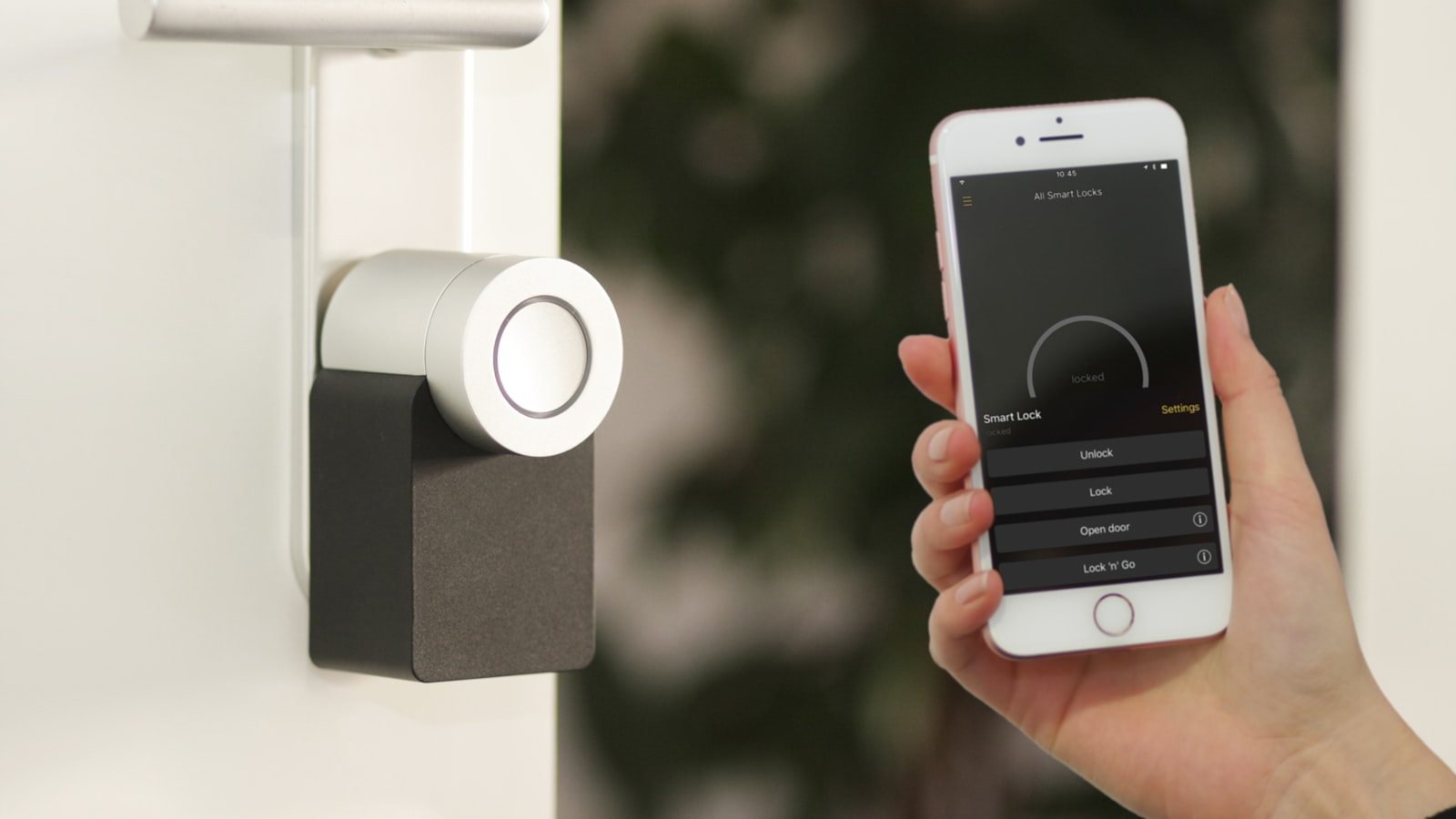
The best smart homes are built backwards. Instead of asking "what should I buy," ask "what small thing bugs me every day?" Maybe you always leave the porch light off and fumble with keys in the dark. Maybe the kids never turn off the bedroom lamp. Maybe you want to check the front door after you've already left. Each of those is a clear, solvable problem, and each points to one specific device.
Starting from a real irritation keeps you honest. It's easy to be seduced by a clever demo and much harder to use that device six months later if it never fit your actual life. When a gadget earns its place by fixing something you genuinely notice, you keep using it, and that's the whole point.
Pick one problem to start. Just one. Solve it well, live with it for a couple of weeks, and let that experience teach you what you want next. This slow approach feels almost too modest, but it's the difference between a home that quietly helps and a pile of half-configured hardware.
Understand the pieces without the jargon#
Under the hood, a smart home is simpler than it looks. There are really only a few kinds of things involved, and once you can name them, the whole world makes more sense.
- Devices: the things that actually do something — a bulb, a plug, a lock, a camera, a sensor.
- A hub or assistant: the brain that lets you control devices from one place, whether that's an app on your phone or a voice assistant on a speaker.
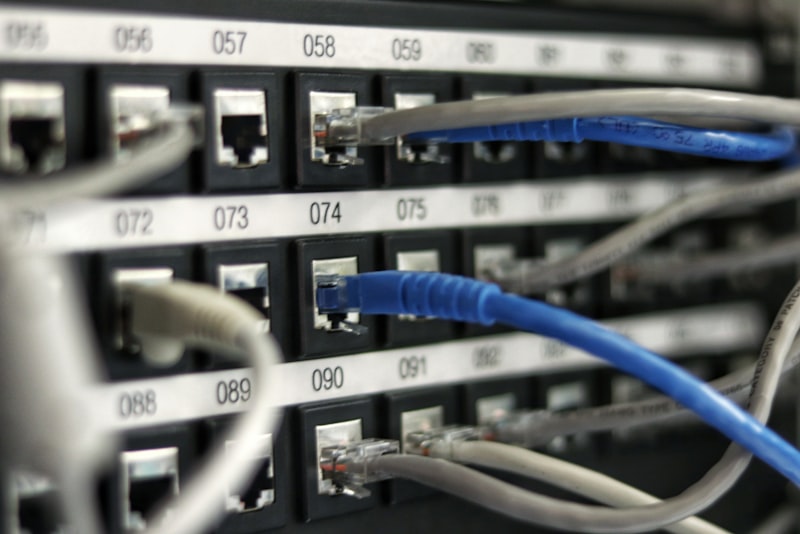
- Your network: the Wi-Fi (and sometimes other wireless signals) that ties it all together.
- Automations: the rules you set so things happen on their own, like a light coming on at sunset.
You don't need to master all of this before you buy anything. But knowing these four layers exist helps you ask better questions in the shop. A smart bulb is a device; the app that groups your bulbs is the hub layer; whether it reaches the internet reliably is a network question. If any single word here felt fuzzy, it's worth skimming a plain glossary of smart home terms before you spend a cent.
Choose your main system early#
Here's the one decision that quietly shapes everything else: which ecosystem your home will lean on. This usually means picking a primary voice assistant or app — the household names being Amazon Alexa, Google Home, and Apple Home. You're not marrying one forever, but choosing early saves you real pain, because devices that all speak your chosen system's language cooperate far more smoothly than a mixed bag.
The good news is that a newer standard called Matter is slowly making devices work across systems, so the walls between these worlds are lower than they used to be. It's still smart to pick a home base, though. Think about the phones and speakers you already own, the assistant you actually enjoy talking to, and where your family is comfortable. That's usually your answer.
Don't overthink the ecosystem choice, but don't skip it either. Buying five devices that each need a different app is the fastest way to make a "smart" home feel dumber than the one you started with.
If you want to weigh the real trade-offs before committing, choosing a smart home ecosystem is the next thing worth reading. Once you've settled on a home base, buying becomes far less stressful — you just check that a device supports your system, and most of your compatibility worries disappear.
Get the network right first#
I'll be blunt: the most common reason smart homes feel flaky isn't the gadgets. It's the Wi-Fi. A light that takes ten seconds to respond, a camera that keeps "reconnecting," an automation that fires only sometimes — these are usually network problems wearing a device costume.
Before you scale up, make sure your Wi-Fi reaches the corners where your devices will live. A plug behind the sofa or a camera on the far side of the garage needs a decent signal to be dependable. You don't need enterprise gear. You do need coverage that doesn't drop out in the rooms that matter. If your router is old or hidden in a cupboard, moving it somewhere central often works small miracles.
It's also worth thinking, even lightly, about security from the start. Change any default passwords on your router and devices, and keep them updated. You're inviting these gadgets onto your home network, so a few sensible habits early on save headaches later. None of this needs to be intimidating — it's the same care you'd take with online banking, applied to a light switch.
Buy slowly and keep it reliable#
With a system chosen and your network solid, resist the urge to fill a shopping basket. The people happiest with their smart homes almost always got there gradually. Add a device, set it up properly, and use it for a while before the next one. Each addition is easier when the last one is already working and you understand how your system behaves.
A simple rhythm works well:
- Add one device that solves a specific problem.
- Set it up fully, including a name you'll actually remember.
- Live with it for a week or two.
- Only then decide what to add next.
Keep a short note somewhere — even your phone's notes app — listing what you own, which room it's in, and what it's named. Future you will be grateful when you're troubleshooting or explaining the setup to a housemate. And when you're ready to make things happen automatically, start small there too; deciding what's actually worth automating first will keep you from over-engineering your own home.
The quiet secret of a good smart home is that it should be boring. When it works, you barely think about it — the lights are just on when you come home, the door is just locked when you leave. You get there not by buying everything at once, but by solving one problem, keeping the foundations steady, and adding the next piece only when you're ready. Begin with that single annoyance you've been meaning to fix, and let your home grow from there.